Forge
The Forge helps you create your own animations and flash them to K2. This guide will walk you through getting started with the Forge to create an animation
The Forge is in Beta
01. Create a Scene
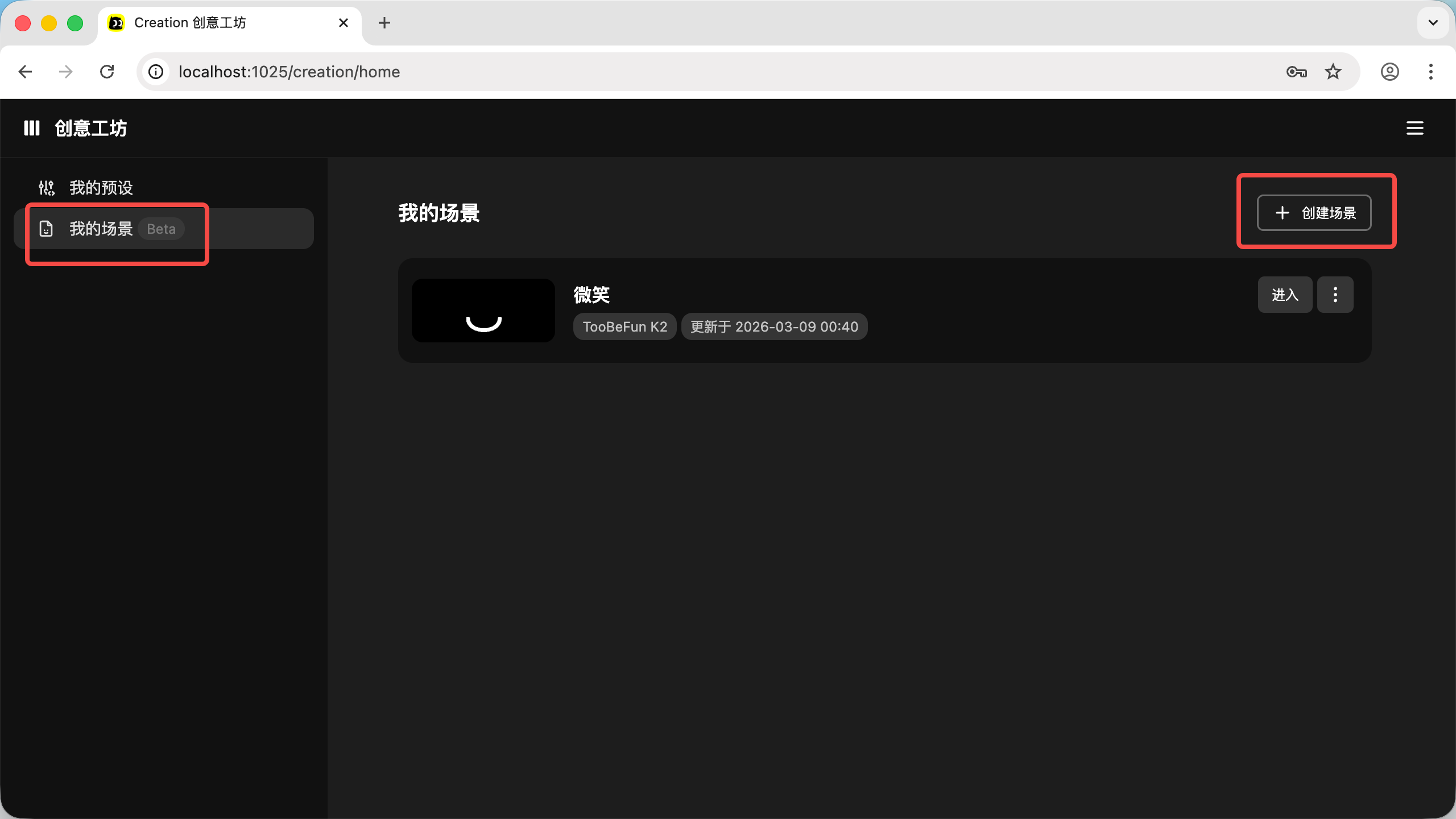
- Open the link: https://toobefun.com/creation/home, and click "Create Scene" under "My Scenes"
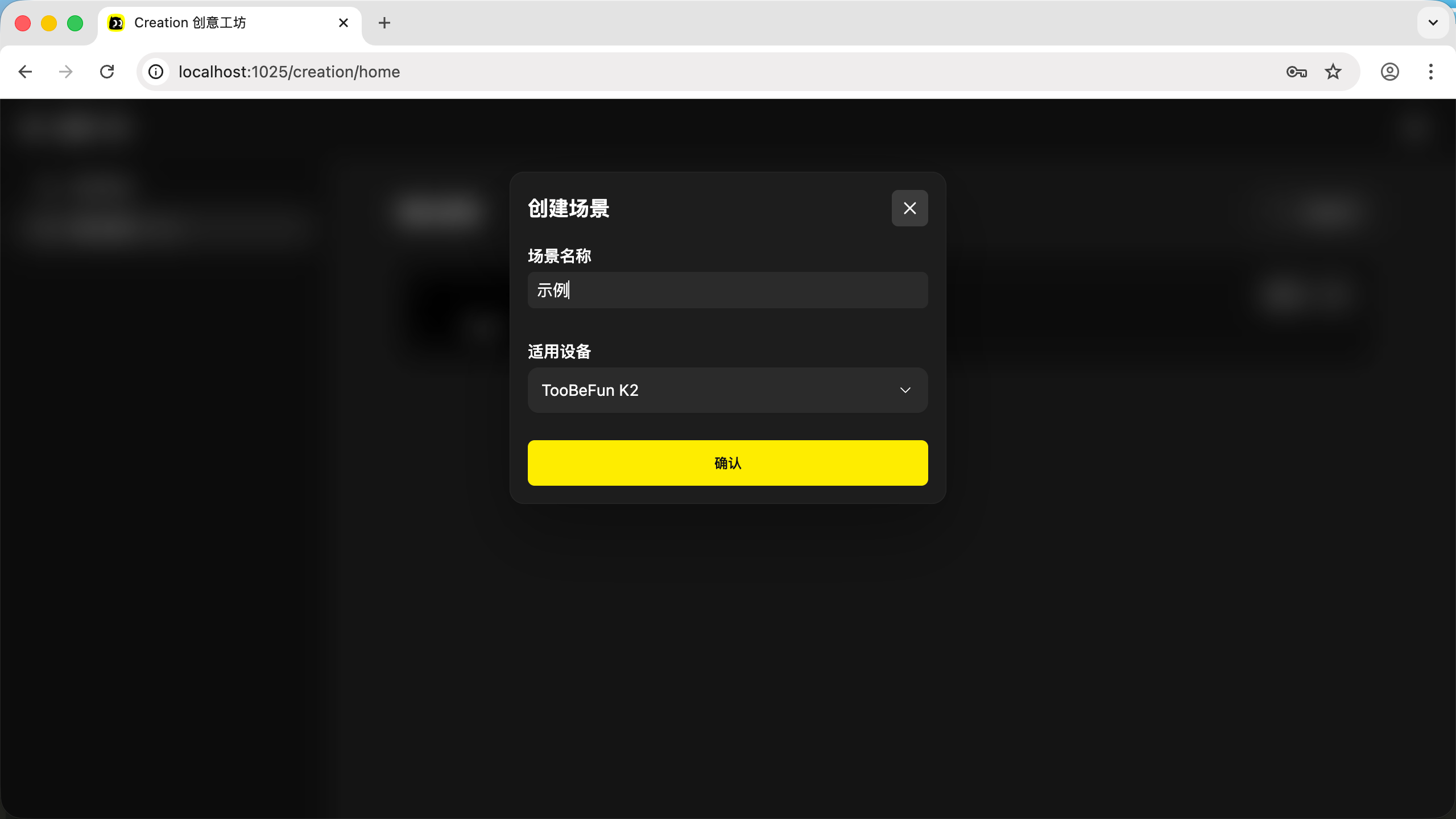
- Enter a name and click "OK"
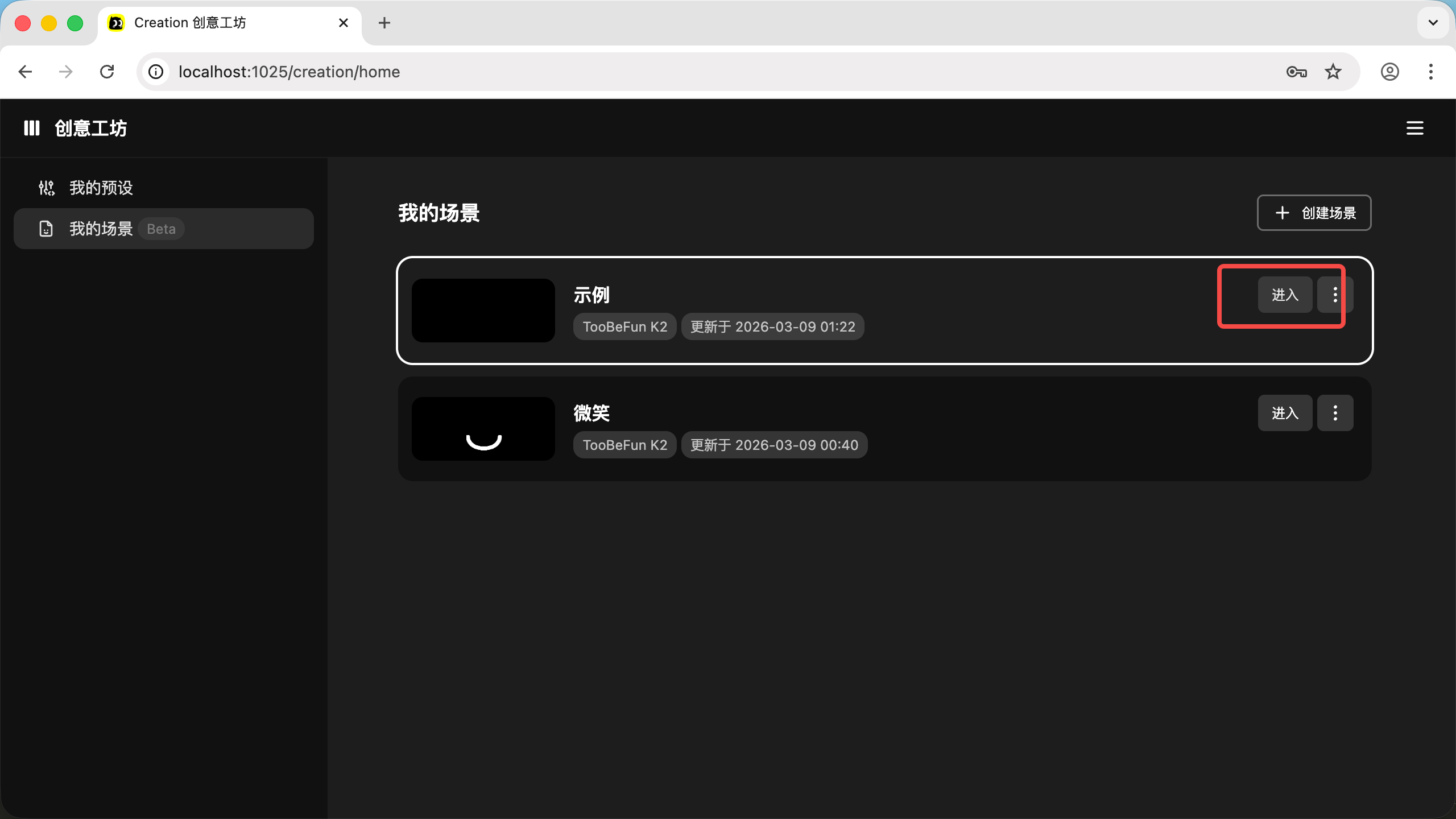
- Click "Enter" on the right side
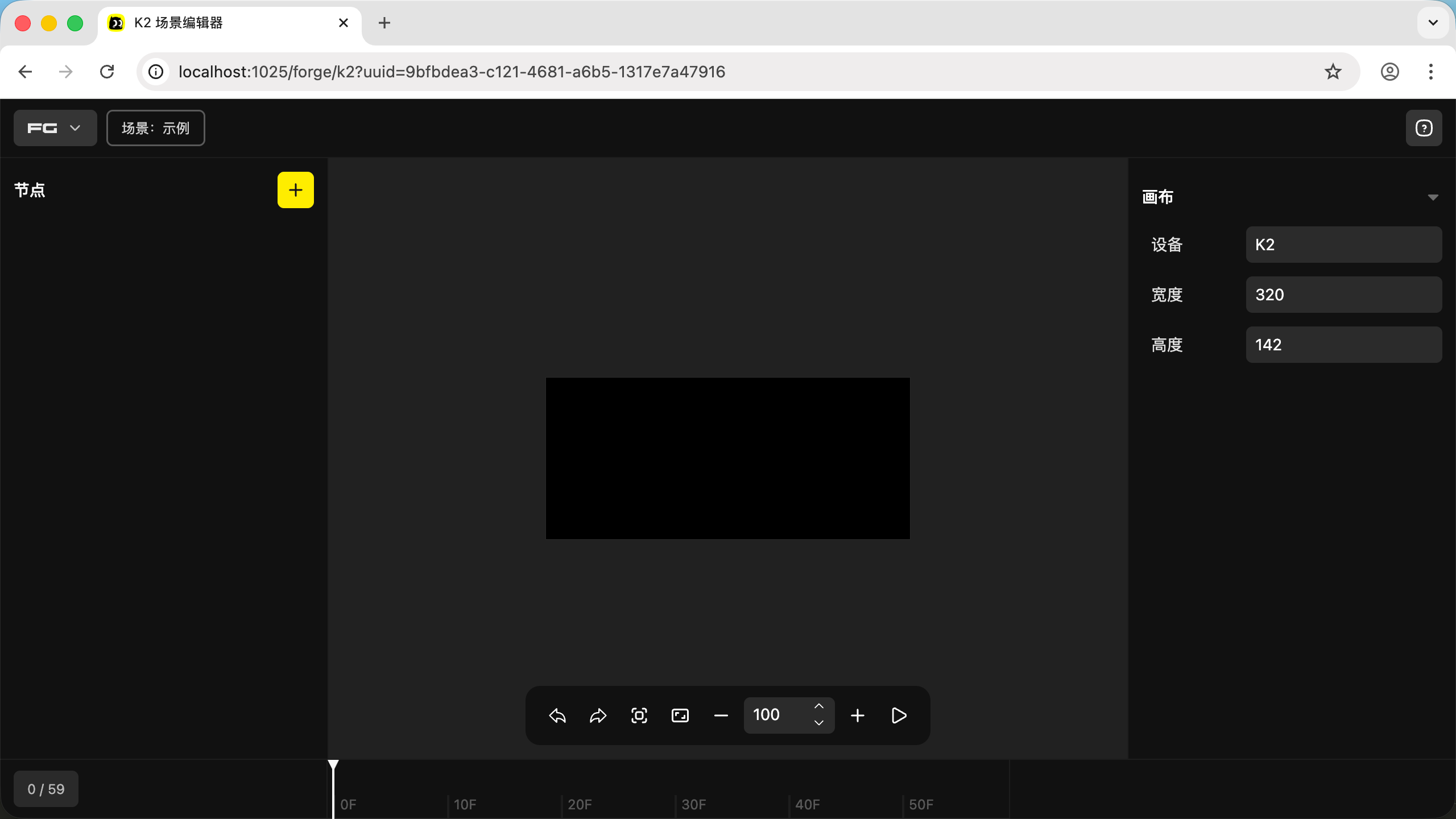
- You'll enter the Forge interface
02. Insert a Shape
- Click the "+" button
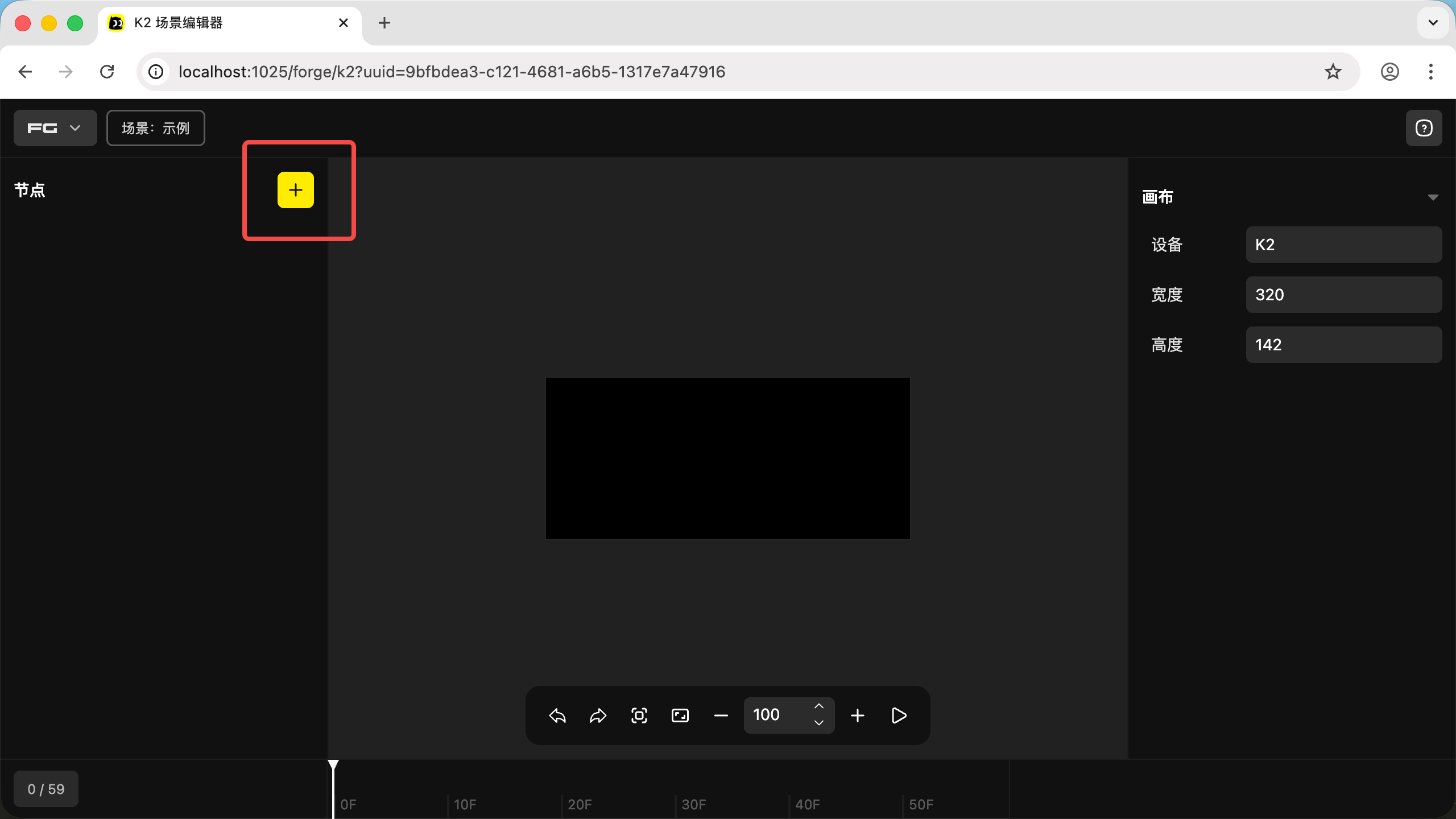
- Click "Create Shape"
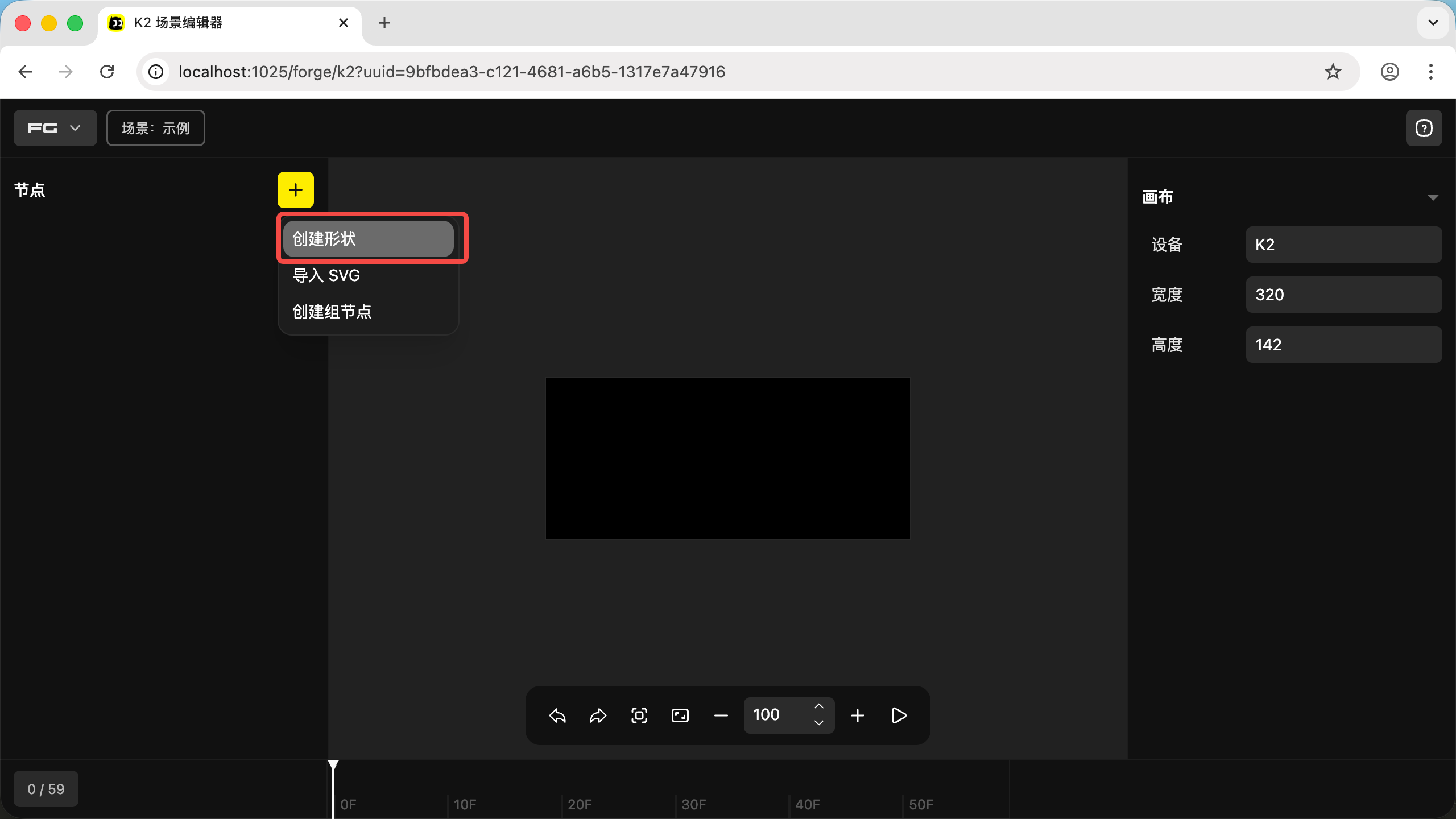
- Choose a shape you like — here we select a mustache
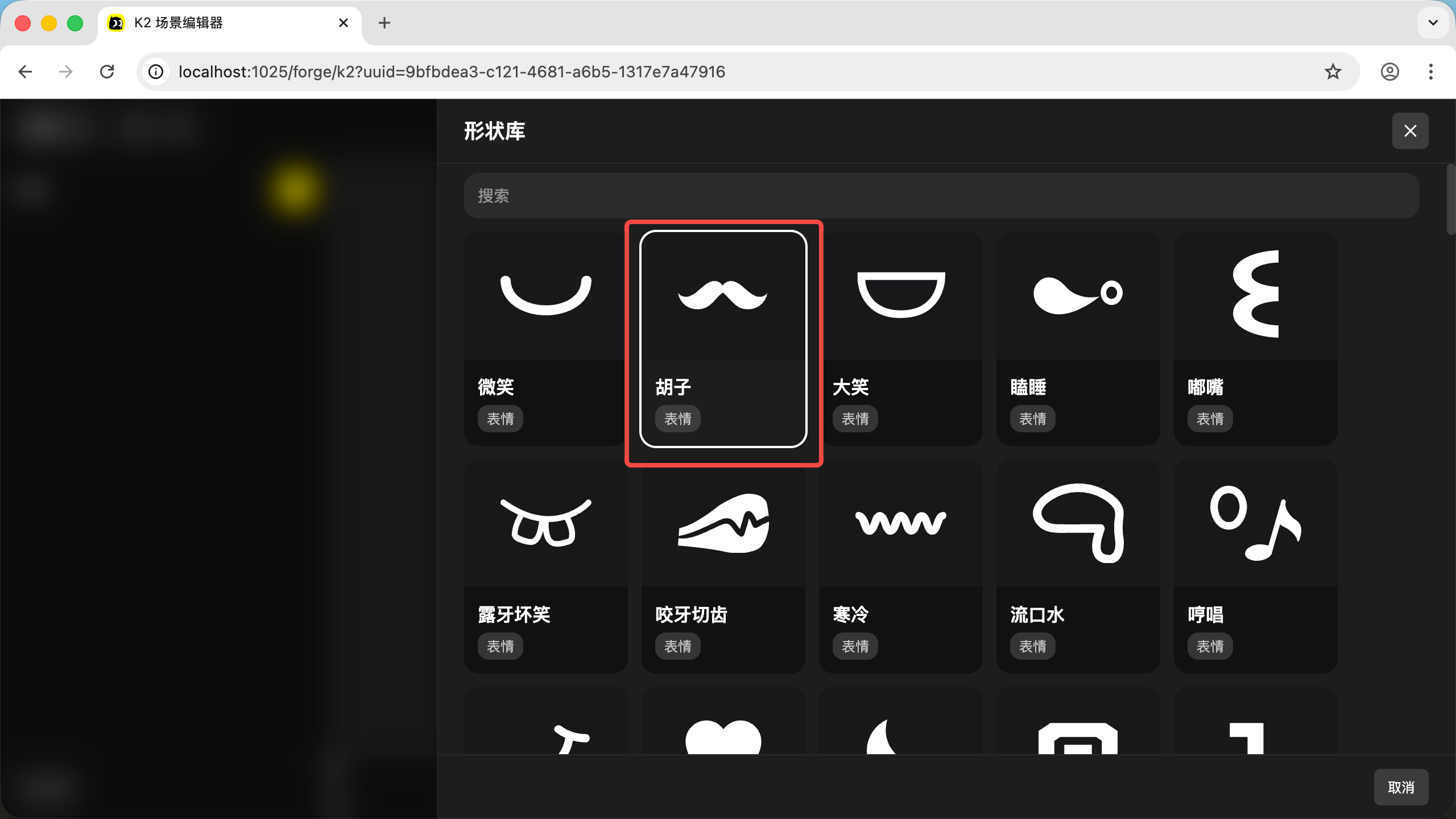
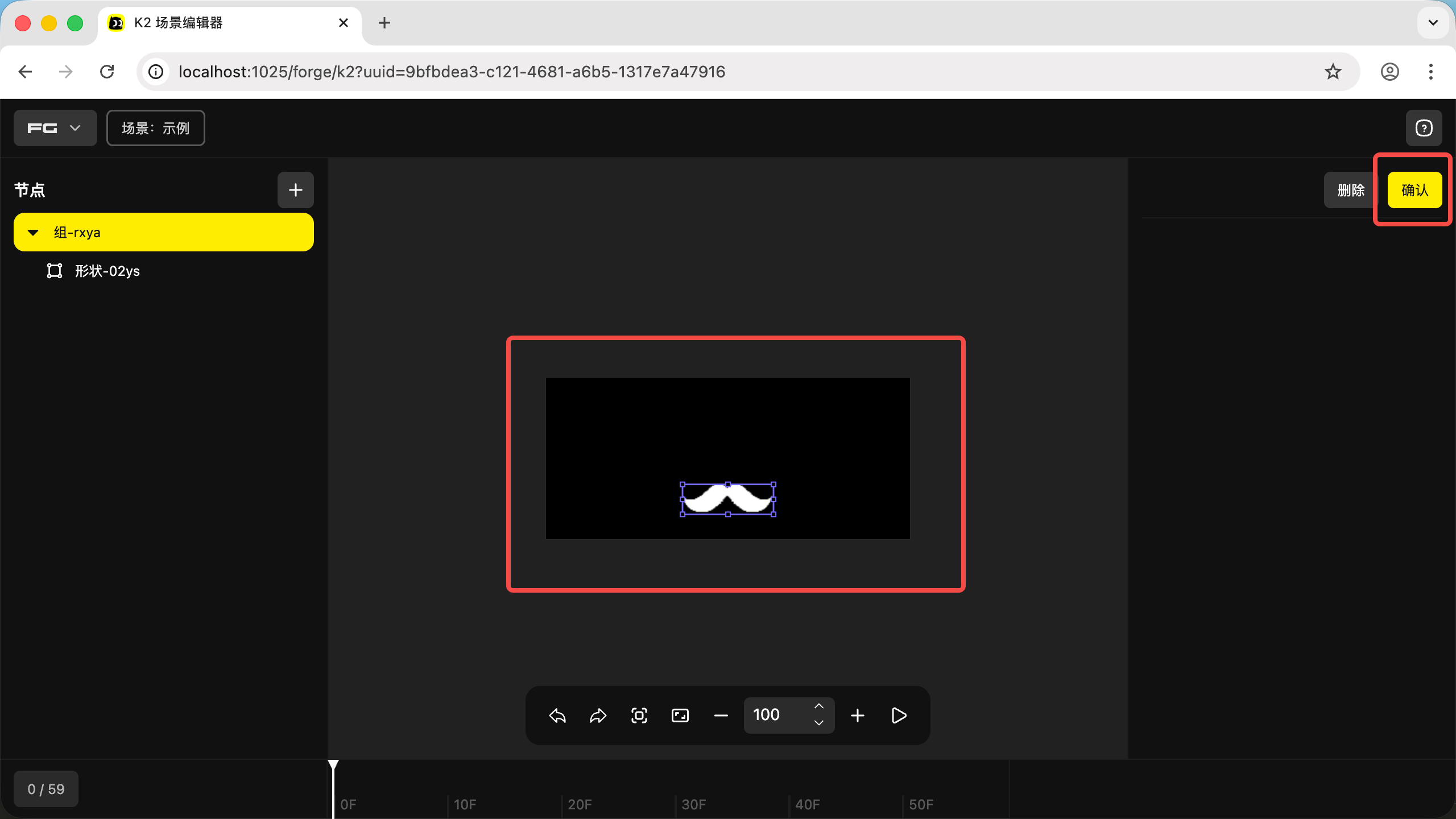
- The shape appears in the center of the editor. Drag it to adjust its position — here we drag it down a bit, then click "Confirm"
03. Create Shape Animation
- Click a node in the node tree on the left to edit it — this is the first step to modifying node properties
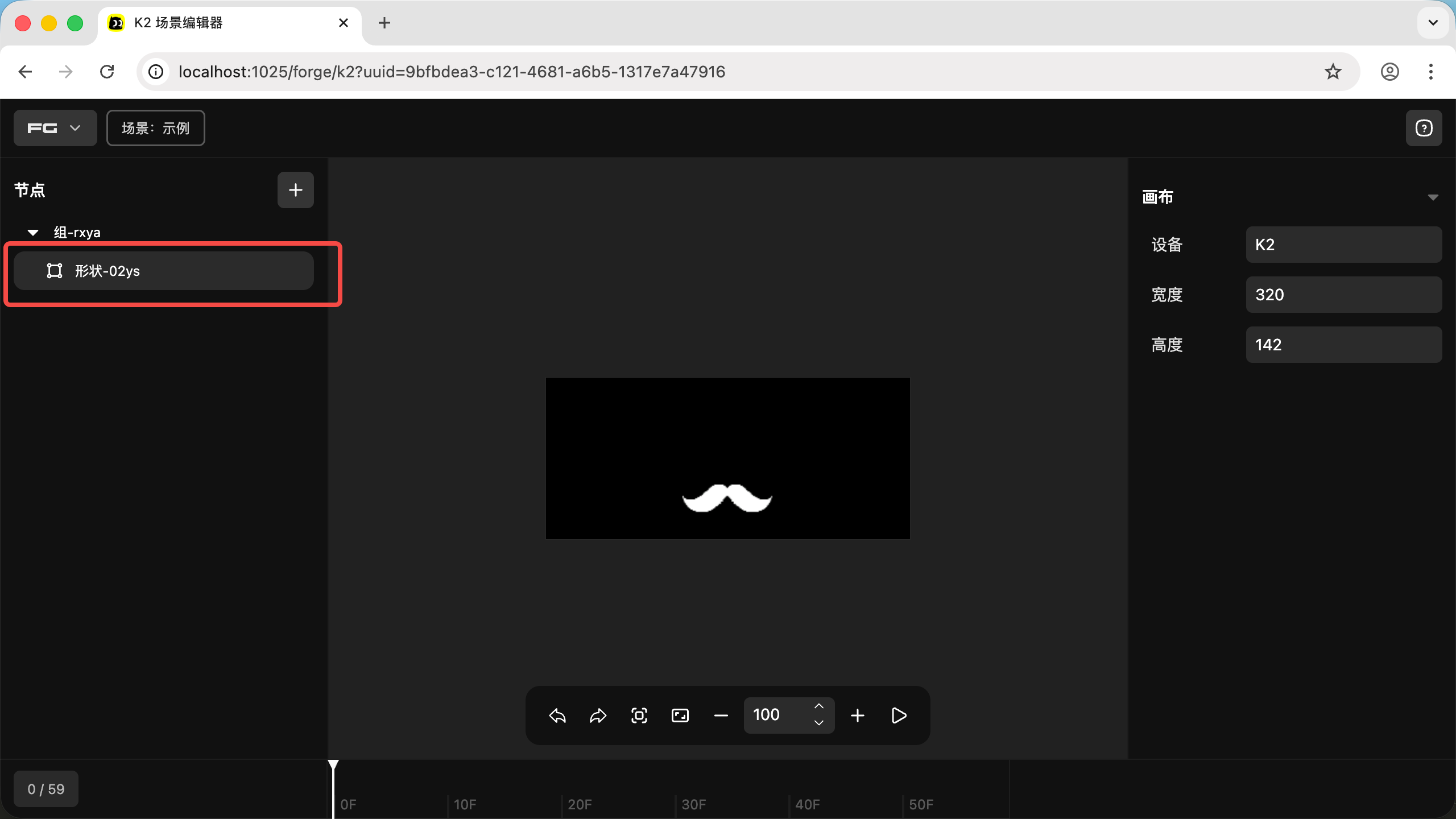
- After clicking, the interface looks like this. First, let's create the first shape keyframe by clicking the diamond icon in the bottom-left corner
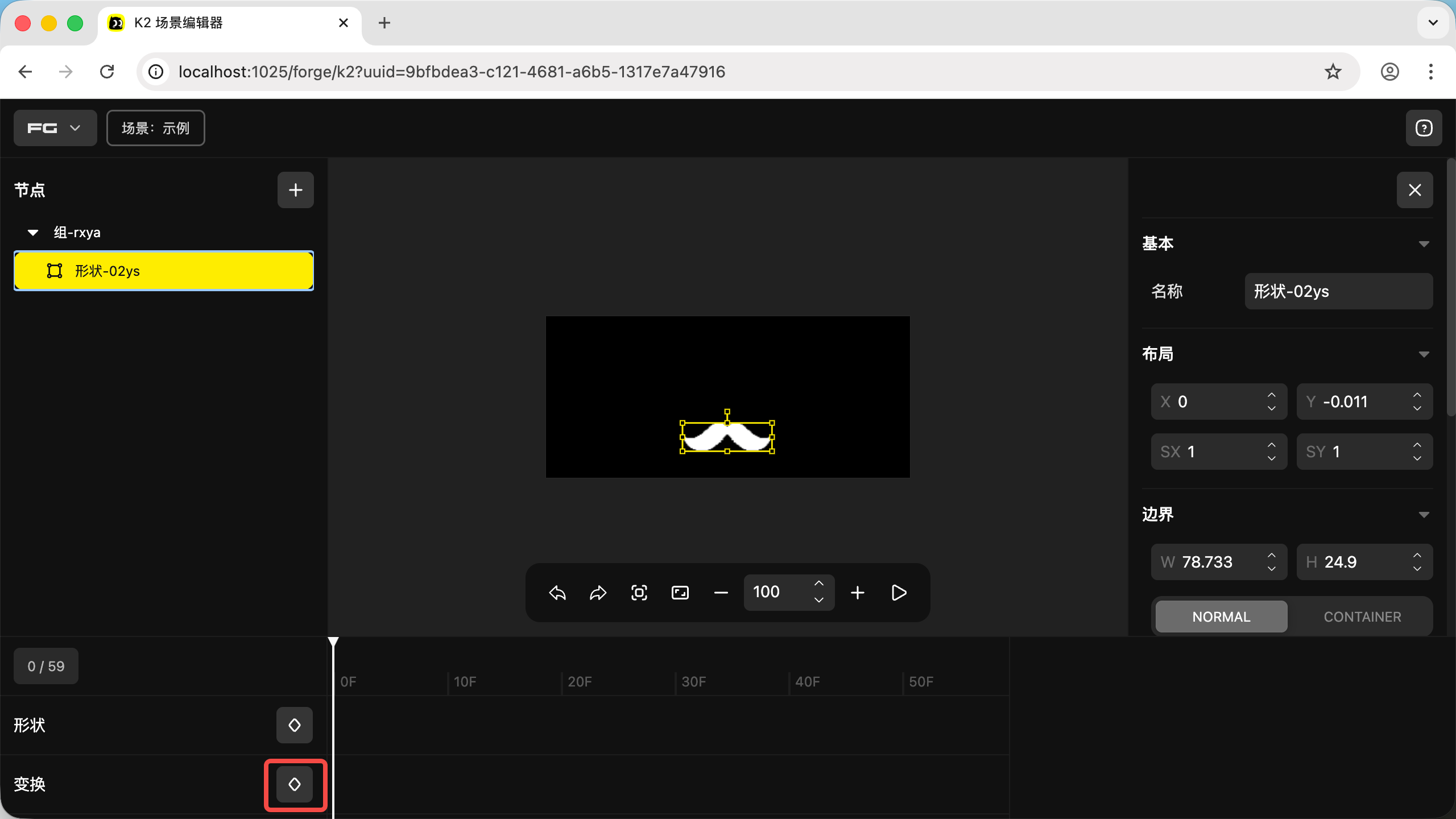
- Next, drag the timeline to 30F, then click the diamond icon again to create a second keyframe
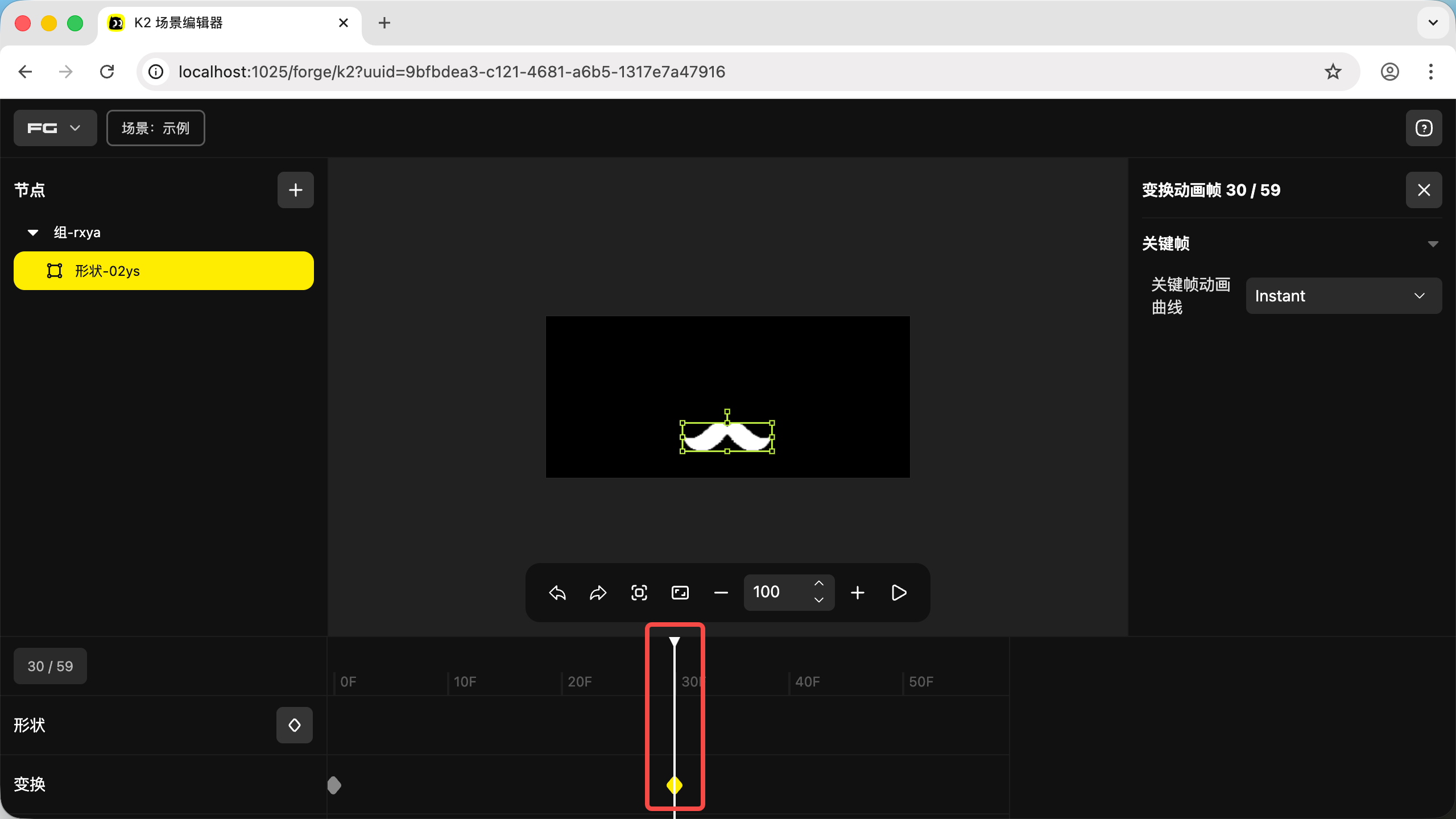
- Then drag the timeline to the end at 60F, and click the diamond icon to create a third keyframe
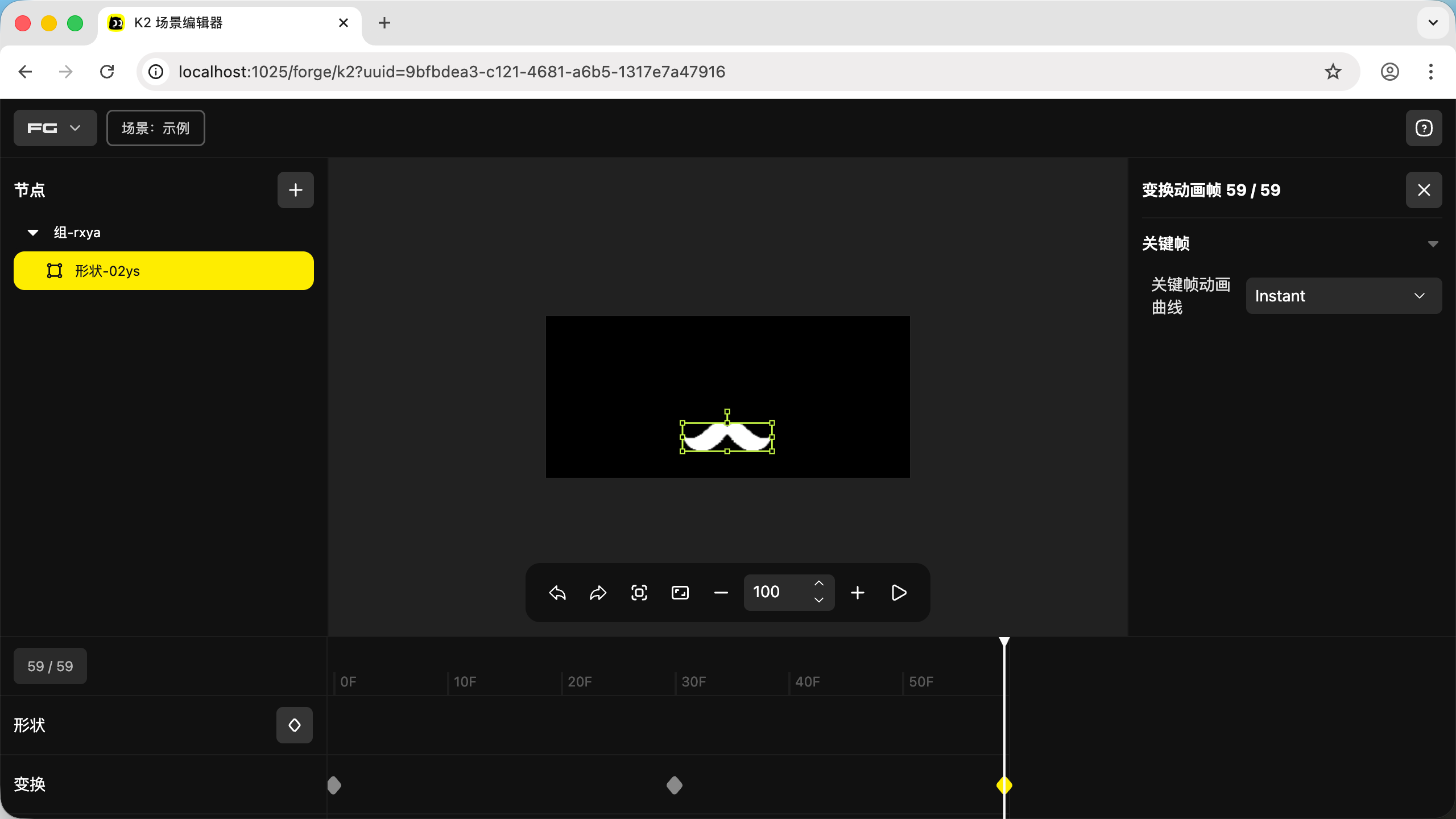
We've created three keyframes. Next, we'll modify the shape position of the second keyframe. This will make the shape transition from its position at 0F to 30F, then from 30F to 60F — creating the animation
- Click the diamond corresponding to the second keyframe to select it
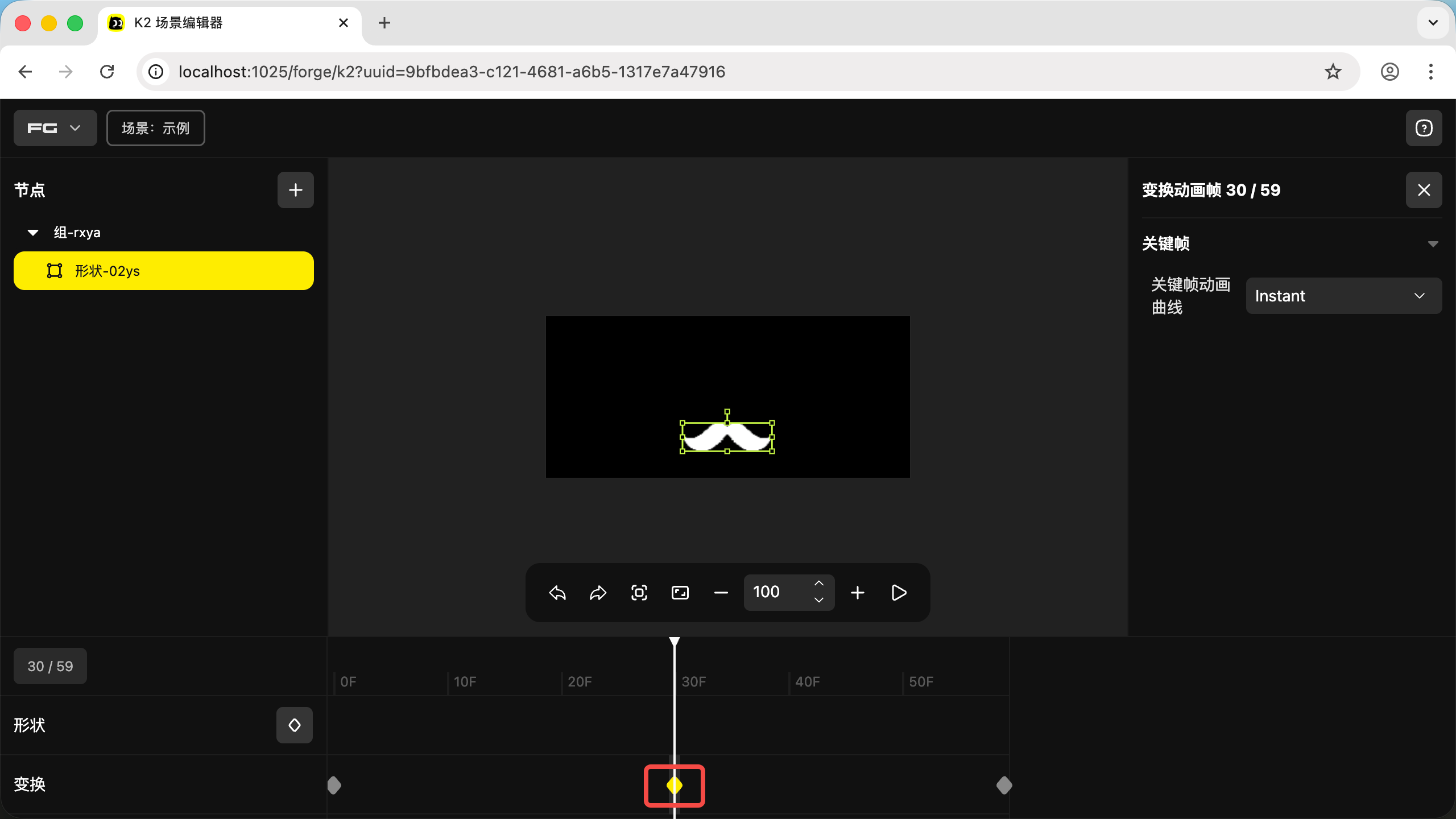
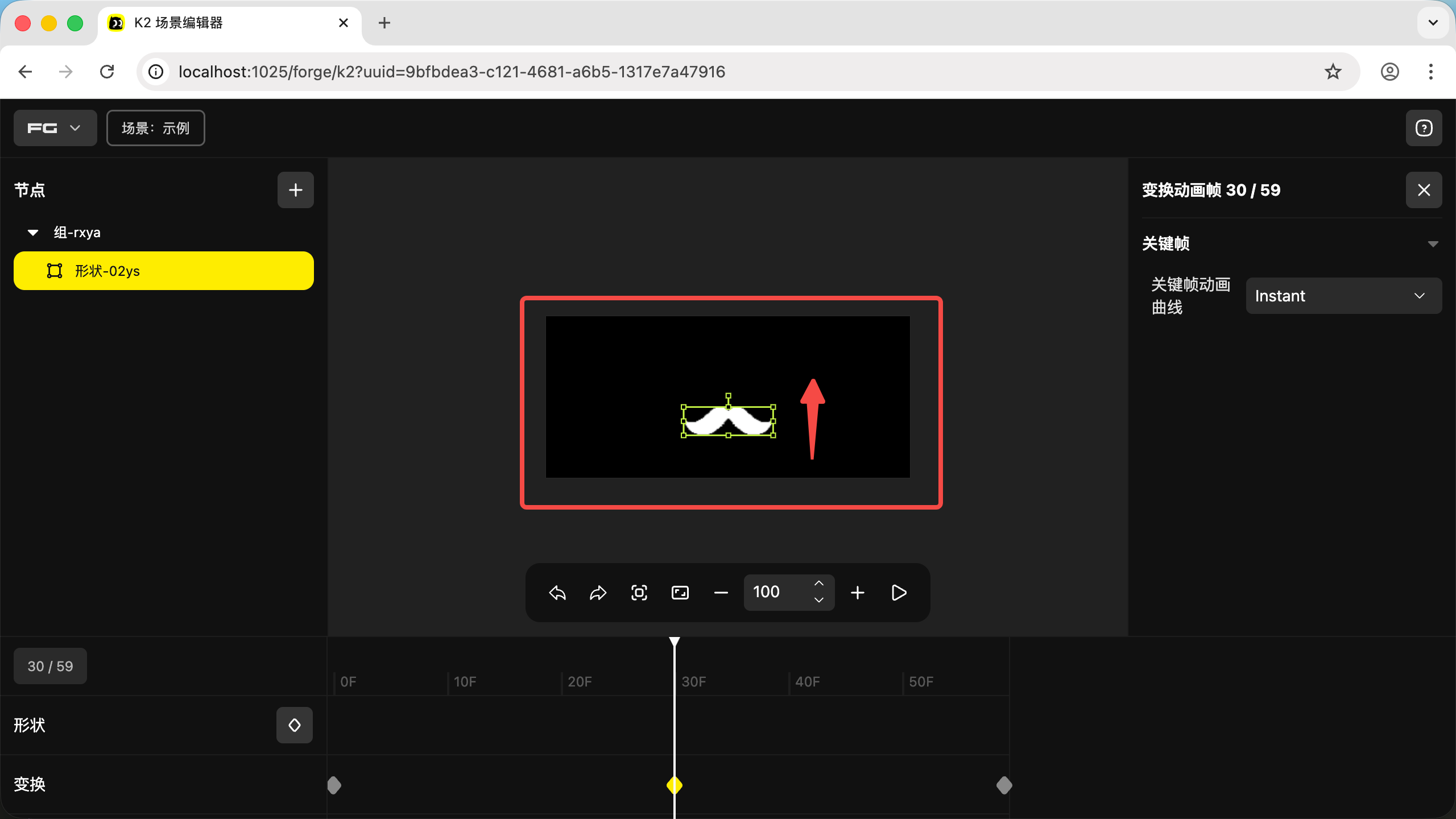
- The shape now represents the second keyframe's position. Drag it, resize it, or rotate it as you like — here we drag it up a bit
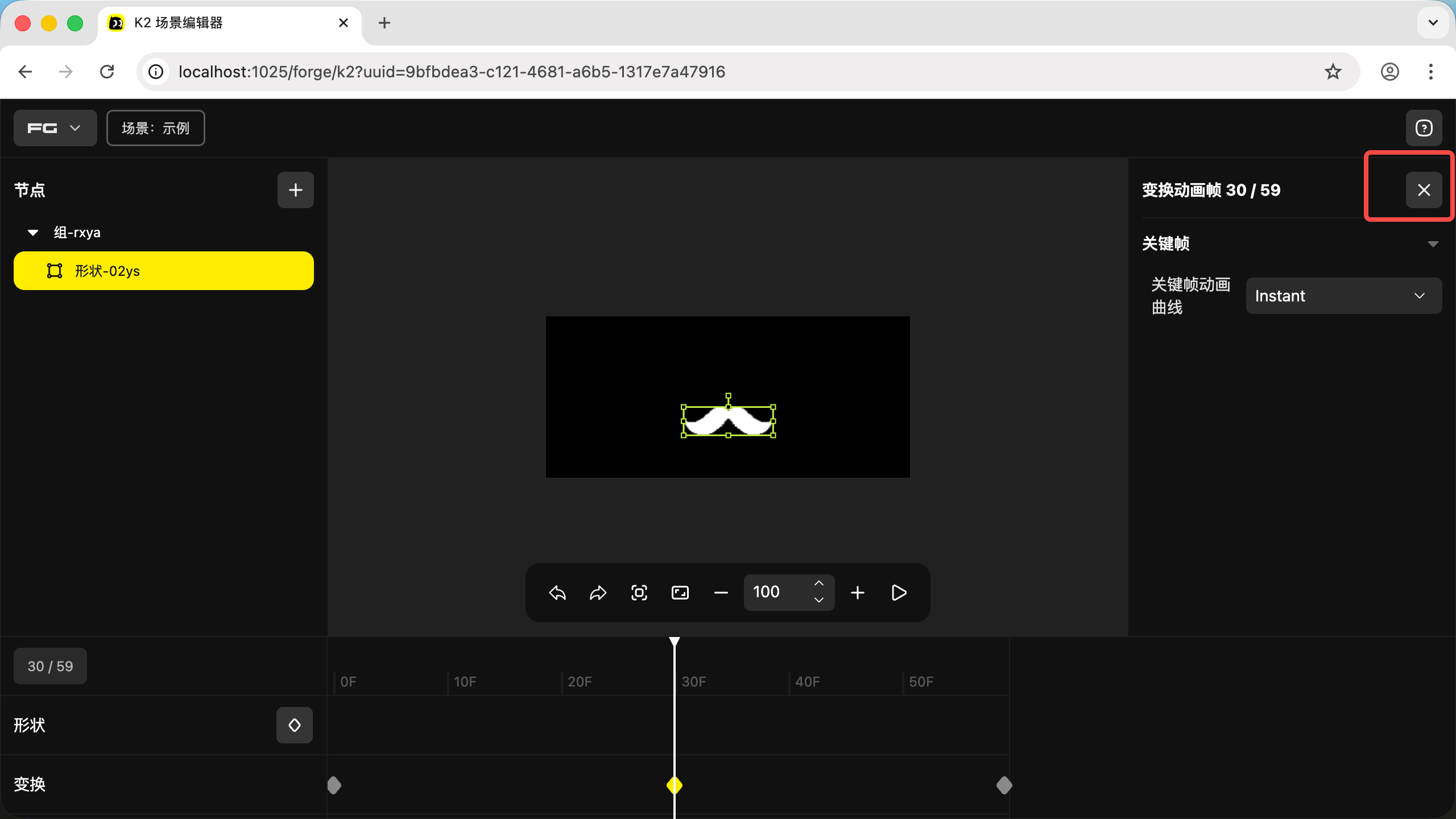
- Then click the "X" in the top-right corner to exit the animation frame editing mode
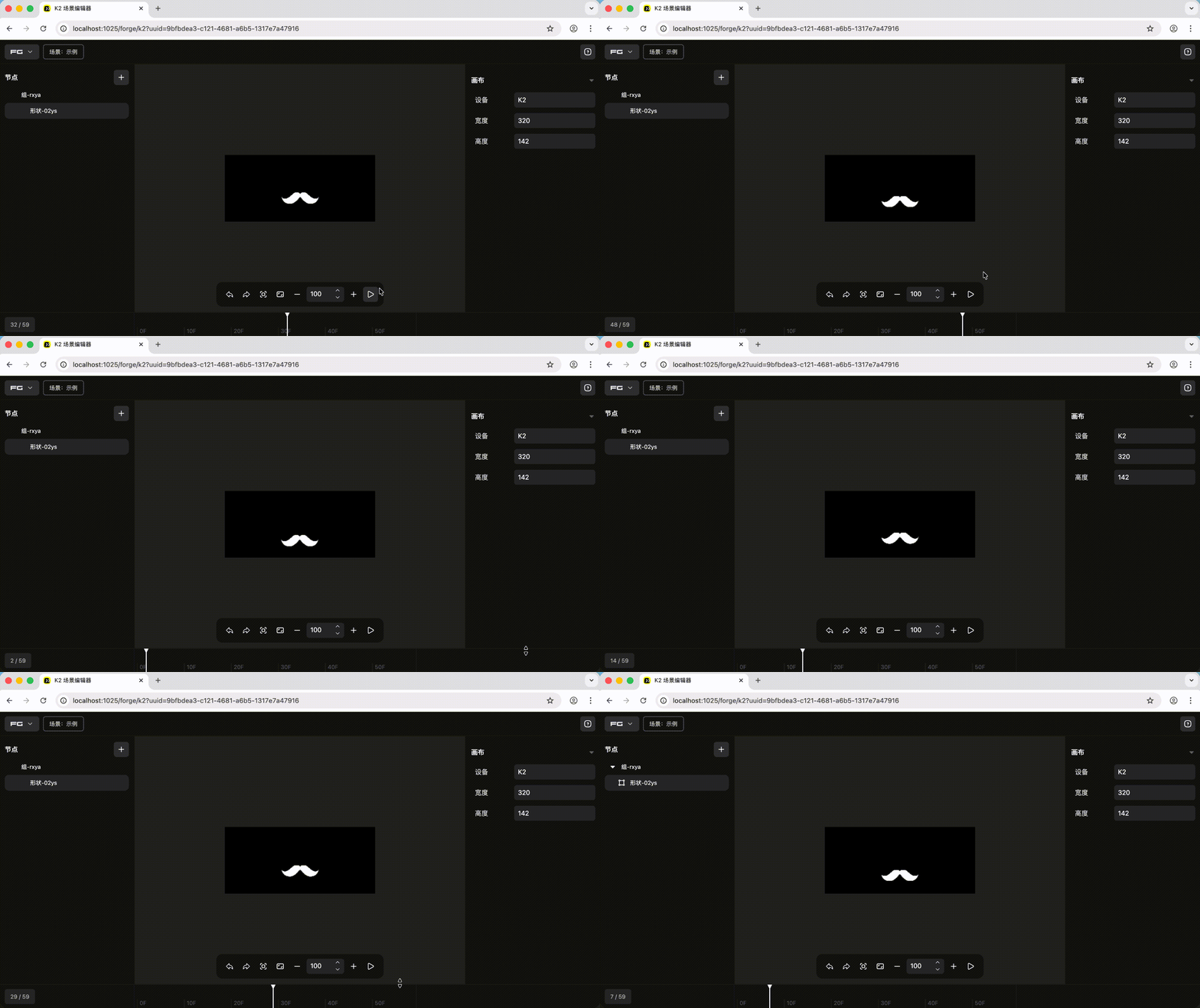
- Click play to preview the animation
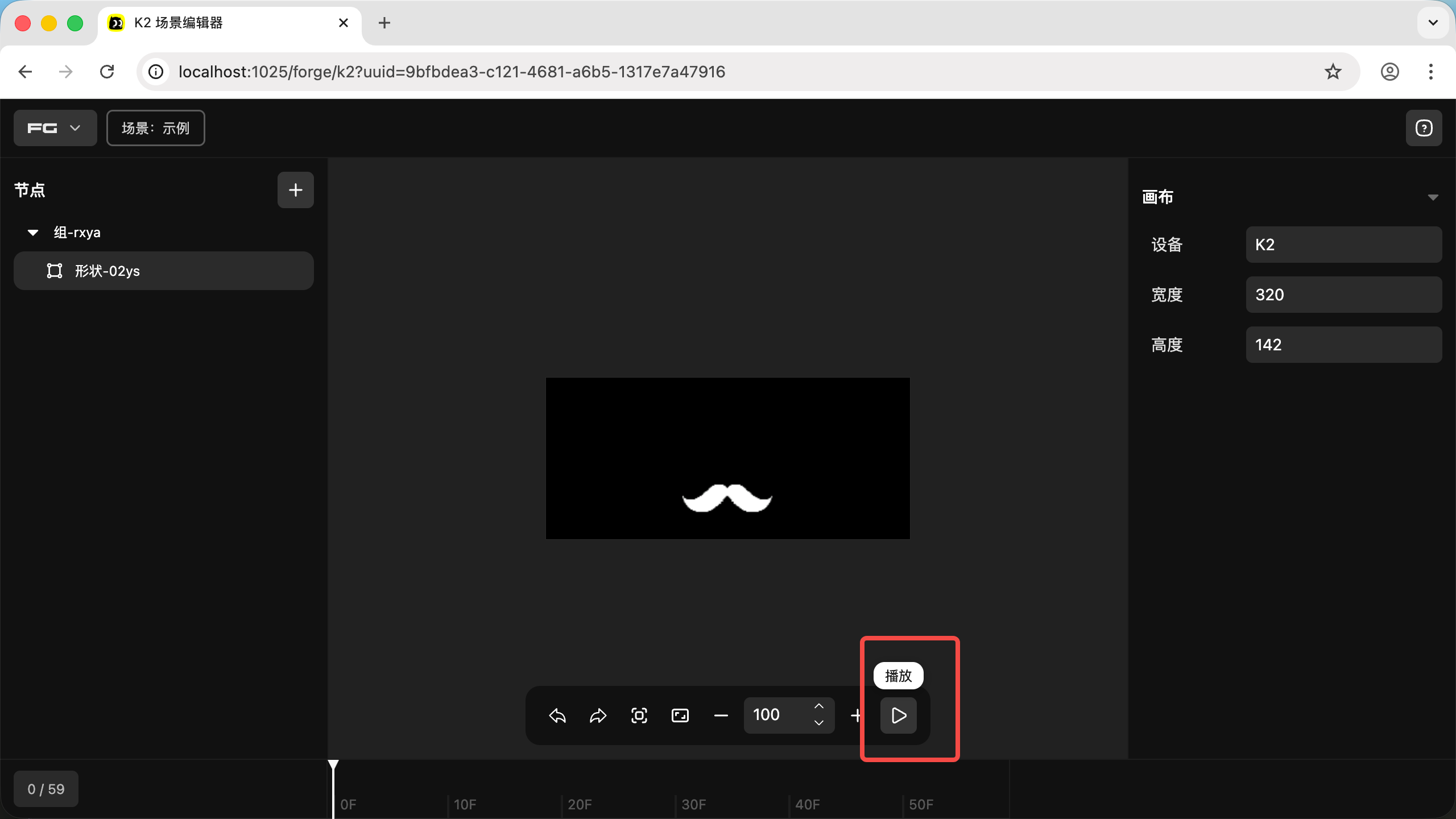
- The animation looks like this
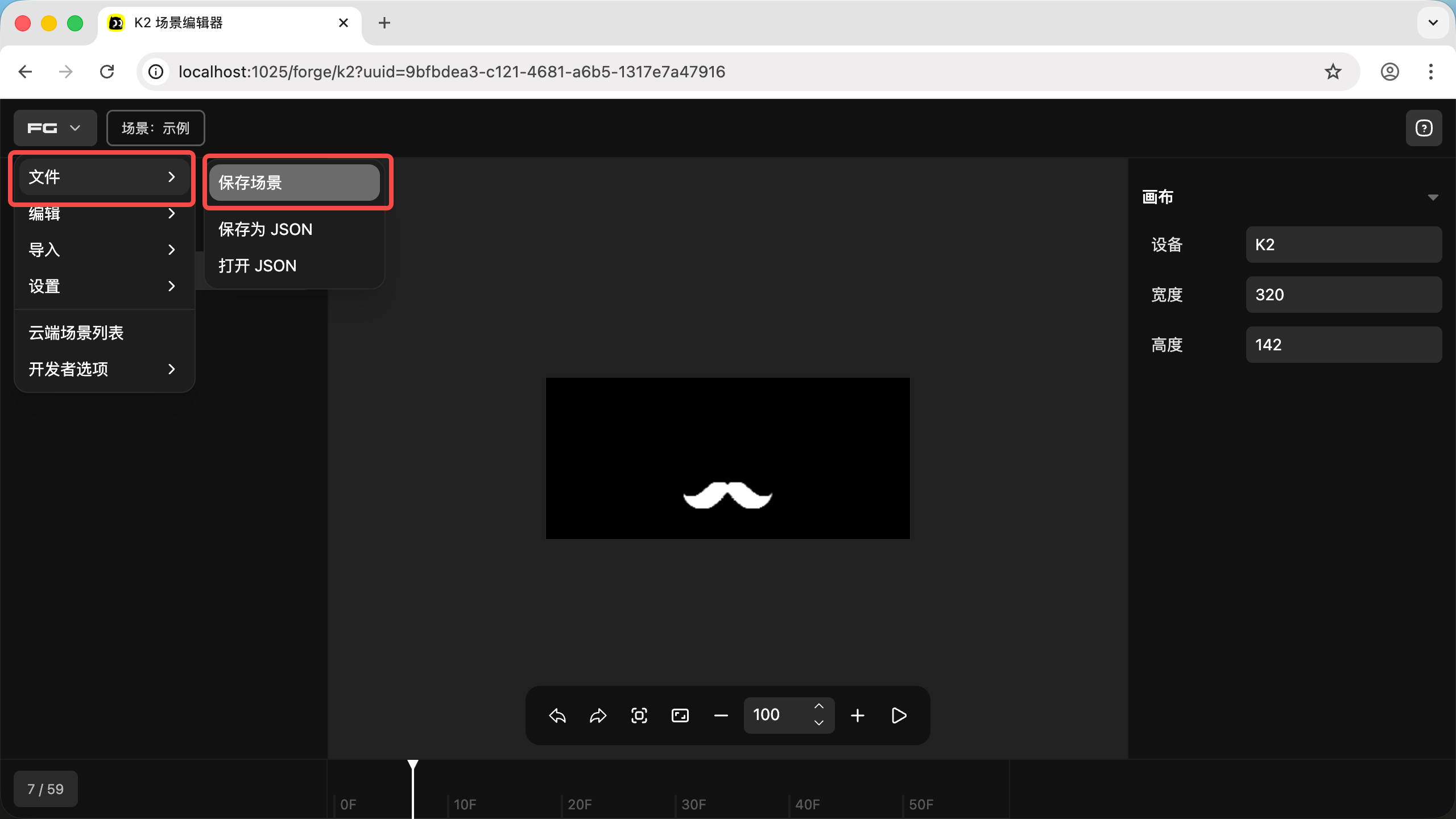
- Click "Save" at the top to save the scene animation to the Creation
04. Apply the Designed Animation to K2
- For using the Web Driver, refer to: Using the Web Driver
- For using "Scene Keyboard", refer to: Scene Keyboard
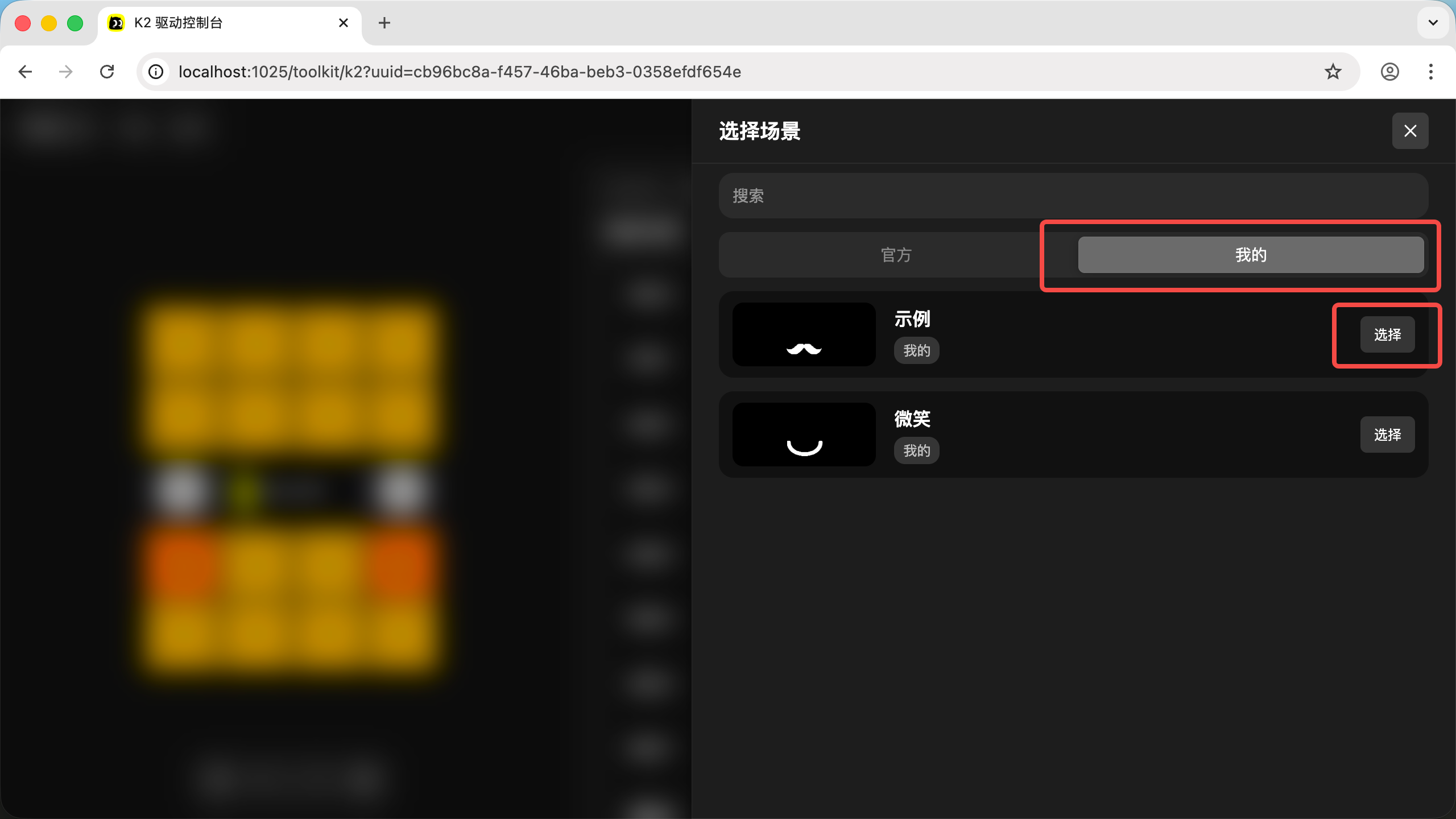
- In the "Scene Keyboard" settings, click "My Scenes", then click "Select"
- Then follow Using the Web Driver to flash it to K2 via USB-C